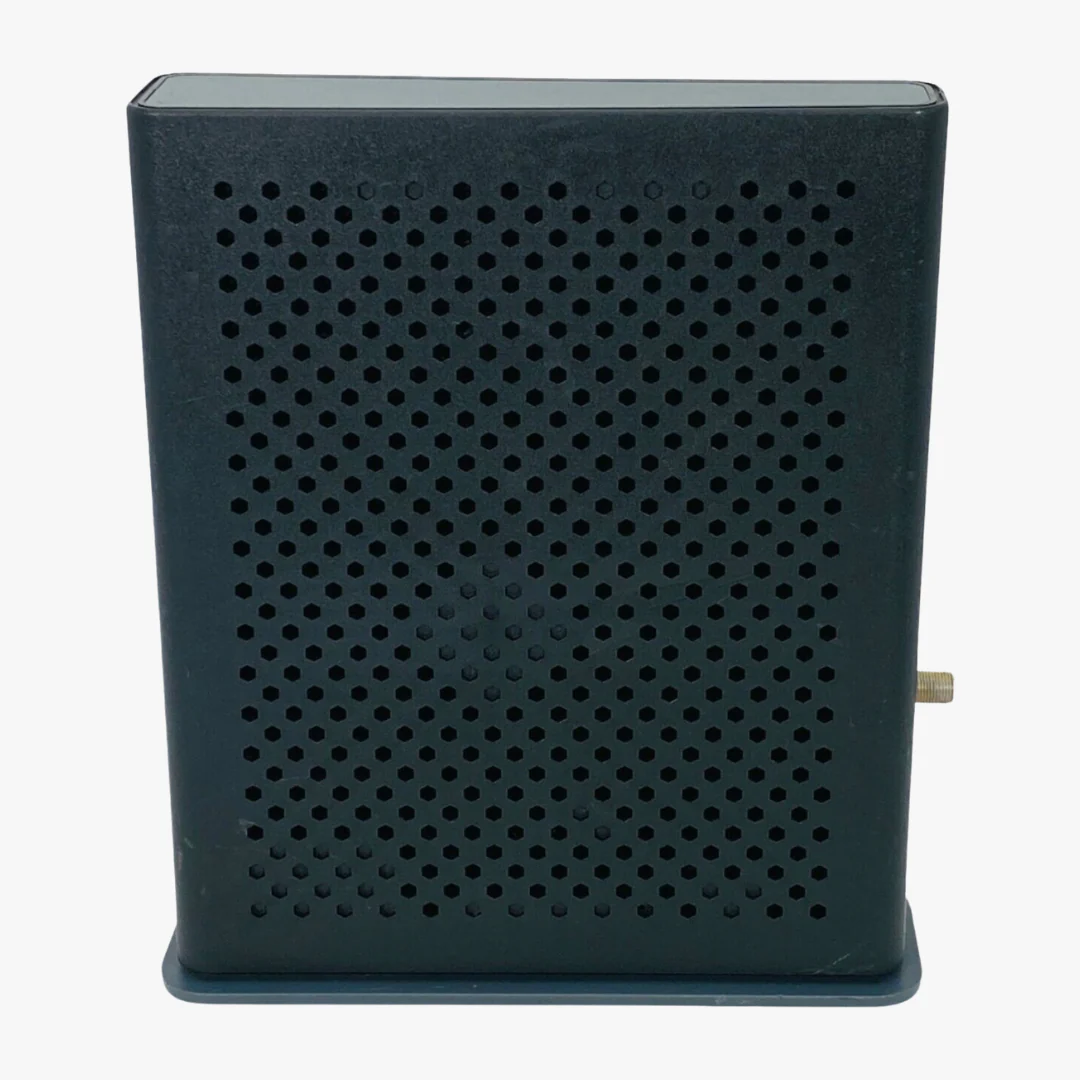
Verizon Fios G3100 Tri-Band MoCA Fiber Optic Router for Verizon Fios
Verizon Fios G3100 Router (Renewed): Tri-Band Wi-Fi 6 for Fios Internet
The Verizon Fios G3100 is a tri-band Wi-Fi 6 home router built for Verizon Fios internet service. With MoCA 2.5 coaxial networking, WPA3 encryption, and three wireless bands, the G3100 provides fast, reliable coverage for streaming, gaming, video calls, and smart home devices throughout your home.
Buy 10 or More, Save 10%
Applied automatically at checkout.
Speed and Wireless Performance
The G3100 supports tri-band Wi-Fi 6 (802.11ax) with one 2.4 GHz band and two 5 GHz bands, all running 4x4 MU-MIMO. It is backward compatible with 802.11a/b/g/n/ac devices, so older laptops, phones, and smart home gear will connect without issues. On the wired side, MoCA 2.5 LAN delivers speeds up to 2500 Mbps over existing coaxial cable, and MoCA 1.1 WAN supports speeds up to 100 Mbps.
Security and Network Features
The G3100 includes WPA3 and WPA2 wireless encryption, a customizable firewall, content filtering, and intrusion detection. It also supports static NAT, port forwarding, port triggering, MAC address filtering, access control, and Wi-Fi Multimedia (WMM) for quality-of-service prioritization.
Ports and Connectivity
The router is equipped with four Gigabit Ethernet LAN ports, one Gigabit WAN port, one USB 3.0 port, and built-in Bluetooth for IoT device pairing. This gives you flexible wired and wireless options for computers, game consoles, smart TVs, printers, and other connected devices.
Management and Setup
You can manage the G3100 through the My Fios app, the built-in web interface, or remote management via TR-069. The My Fios app lets you monitor connected devices, run speed tests, adjust Wi-Fi settings, and set up parental controls from your phone.
Need Help Setting Up Your G3100?
Our complete guide covers activation, Wi-Fi setup, changing your Wi-Fi password, and troubleshooting common issues like blinking lights and connection drops.
Read the Setup Guide
What's Included
- Verizon Fios G3100 (Renewed)
- Ethernet cable
- Power supply cable
- DSL / phone cable
- Online installation manual
Is the Verizon Fios G3100 compatible with my internet service?
The G3100 is designed for and compatible with Verizon Fios internet service in most areas. If you are unsure whether your specific Fios plan supports the G3100, contact Verizon Fios customer service to confirm before ordering.
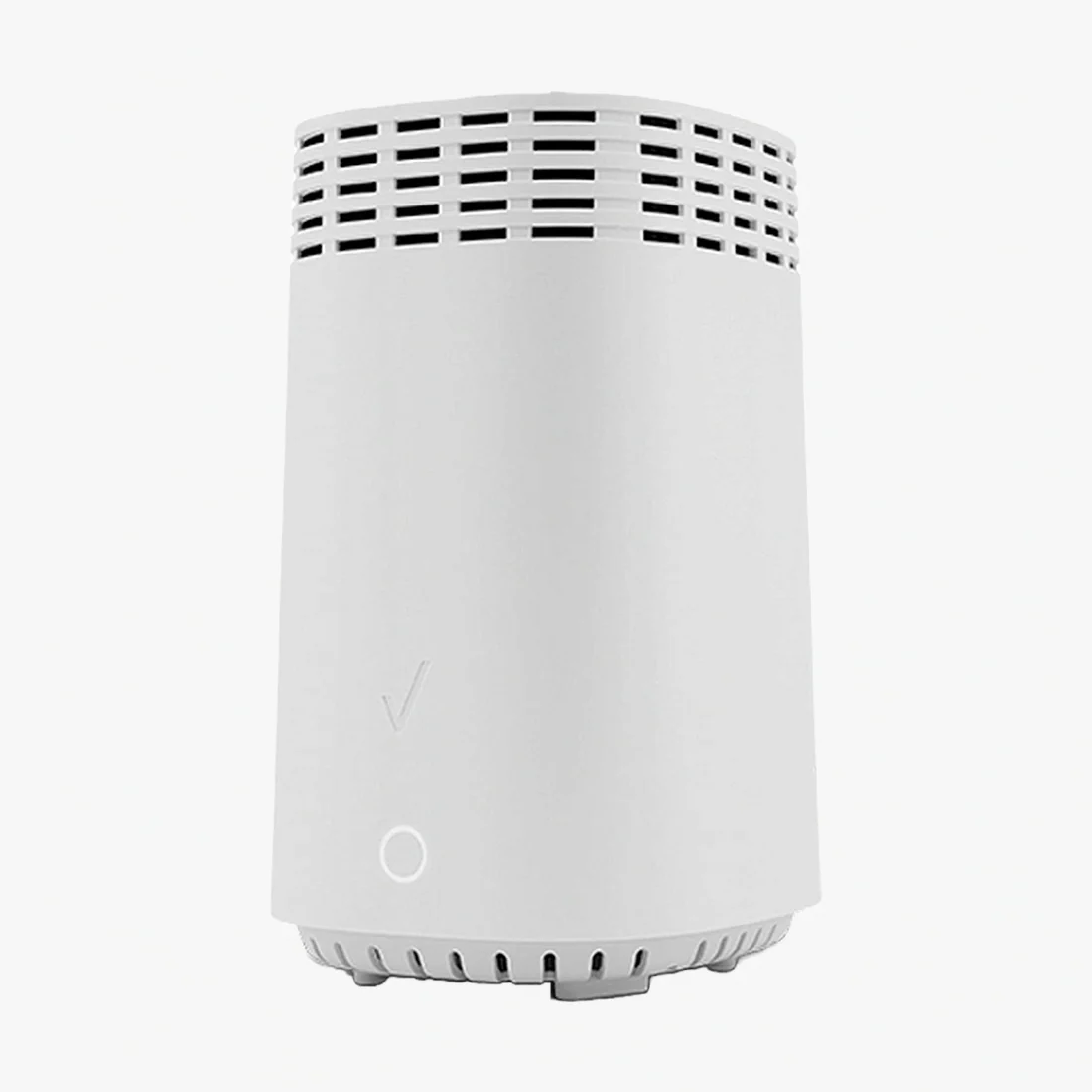

Description
Verizon Fios G3100 Router (Renewed): Tri-Band Wi-Fi 6 for Fios Internet
The Verizon Fios G3100 is a tri-band Wi-Fi 6 home router built for Verizon Fios internet service. With MoCA 2.5 coaxial networking, WPA3 encryption, and three wireless bands, the G3100 provides fast, reliable coverage for streaming, gaming, video calls, and smart home devices throughout your home.
Buy 10 or More, Save 10%
Applied automatically at checkout.
Speed and Wireless Performance
The G3100 supports tri-band Wi-Fi 6 (802.11ax) with one 2.4 GHz band and two 5 GHz bands, all running 4x4 MU-MIMO. It is backward compatible with 802.11a/b/g/n/ac devices, so older laptops, phones, and smart home gear will connect without issues. On the wired side, MoCA 2.5 LAN delivers speeds up to 2500 Mbps over existing coaxial cable, and MoCA 1.1 WAN supports speeds up to 100 Mbps.
Security and Network Features
The G3100 includes WPA3 and WPA2 wireless encryption, a customizable firewall, content filtering, and intrusion detection. It also supports static NAT, port forwarding, port triggering, MAC address filtering, access control, and Wi-Fi Multimedia (WMM) for quality-of-service prioritization.
Ports and Connectivity
The router is equipped with four Gigabit Ethernet LAN ports, one Gigabit WAN port, one USB 3.0 port, and built-in Bluetooth for IoT device pairing. This gives you flexible wired and wireless options for computers, game consoles, smart TVs, printers, and other connected devices.
Management and Setup
You can manage the G3100 through the My Fios app, the built-in web interface, or remote management via TR-069. The My Fios app lets you monitor connected devices, run speed tests, adjust Wi-Fi settings, and set up parental controls from your phone.
Need Help Setting Up Your G3100?
Our complete guide covers activation, Wi-Fi setup, changing your Wi-Fi password, and troubleshooting common issues like blinking lights and connection drops.
Read the Setup Guide
What's Included
- Verizon Fios G3100 (Renewed)
- Ethernet cable
- Power supply cable
- DSL / phone cable
- Online installation manual
Is the Verizon Fios G3100 compatible with my internet service?
The G3100 is designed for and compatible with Verizon Fios internet service in most areas. If you are unsure whether your specific Fios plan supports the G3100, contact Verizon Fios customer service to confirm before ordering.