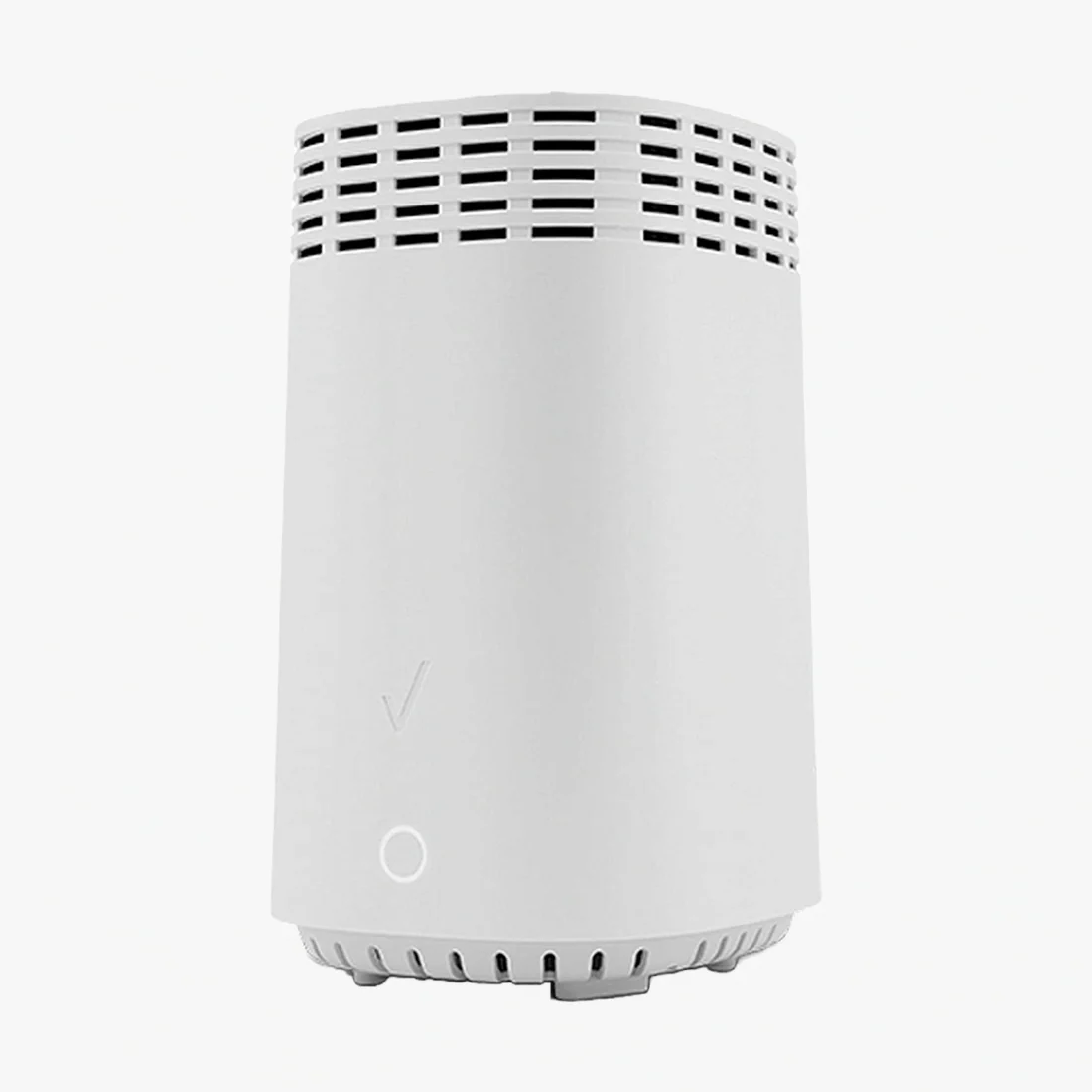
Arris DG3450 DOCSIS 3.1 Cable Modem - Fast Gigabit Internet Connectivity
ARRIS DG3450 DOCSIS 3.1 Cable Modem / Gateway – Key Features
The ARRIS Touchstone DG3450 is a DOCSIS 3.1 cable modem gateway designed for gigabit internet with reliable Wi-Fi for busy homes and small offices. It’s backward-compatible with DOCSIS 3.0 and supports advanced features like MoCA 2.0 for whole-home coax networking.
- DOCSIS 3.1 (backward-compatible with 3.0) for higher capacity and lower latency
- Gigabit Ethernet LAN ports for wired performance (see specs)
- Dual-band Wi-Fi with 802.11ac Wave 2 for multiple devices/streams
- MoCA 2.0 ready for stable wired-over-coax backhaul (adapters sold separately)
- Advanced management: remote provisioning, TR-069, SNMP, configuration files
- Security: WPA2/WPA3 (where supported by firmware), firewall/NAT
Who Is the ARRIS DG3450 Best For?
Homes with many connected devices, 4K streaming, video calls, online classes, and light gaming looking for a single all-in-one gateway (modem + router) that’s easy to deploy and manage.
ISP Compatibility
The DG3450 is commonly approved on major cable providers like Xfinity, Cox, and Spectrum (availability varies by region/plan). Always confirm with your provider’s device list and ensure your service tier matches the device’s capabilities.
Technical Specifications
| DOCSIS | 3.1 (backward-compatible with 3.0) |
| Channel Support | DOCSIS 3.1 OFDM/OFDM-A + 3.0 SC-QAM (downstream/upstream) |
| Wi-Fi | Dual-band 2.4 GHz + 5 GHz, 802.11ac Wave 2 (backward-compatible) |
| Ports | Gigabit Ethernet LAN (see model/firmware), RF coax input, power |
| MoCA | MoCA 2.0 (separate adapters may be required for client devices) |
| Management | Web UI (local/remote as provisioned), TR-069, SNMP, TFTP |
| Security | WPA2/WPA3 (per firmware), SPI firewall, NAT |
| Dimensions | Approx. 9.3 × 2.9 × 8.0 in (varies by revision) |
What’s Included
- ARRIS DG3450 gateway Renewed
- Power adapter
- Ethernet cable
- Quick start / setup guide
Note: Coaxial cable and MoCA filters/splitters are typically provided by your ISP or sold separately. Contents may vary by distributor/batch.
Setup & Requirements
- Active cable internet service (DOCSIS-based; not compatible with DSL/Fiber ONTs without a separate service-provided modem)
- Coax connection at the install location
- Activation via ISP (self-activation portal or call)
Why Buy from ModemGuides?
- USA-Based, Small Business
- USA-Based Customer Service & Tech Support
- Curated, ISP-compatible devices with clear setup resources
- Fast shipping and responsive support
- Guides, tips, and compatibility help across the site
ARRIS DG3450 FAQs
Will the DG3450 work with my internet plan?
If your provider supports DOCSIS 3.1 or 3.0 and lists the DG3450 (or family) as approved, you’re good to go. Always match the gateway to your speed tier for best results.
Does the DG3450 replace my router?
Yes—this is a gateway (modem + Wi-Fi router). If you prefer your own mesh system, you can typically disable the built-in Wi-Fi and connect your mesh to a LAN port (bridge mode may be available per firmware/ISP).
Does it support MoCA?
Yes, MoCA 2.0 is supported. You’ll usually add MoCA adapters at devices/rooms you want to hard-wire over coax.

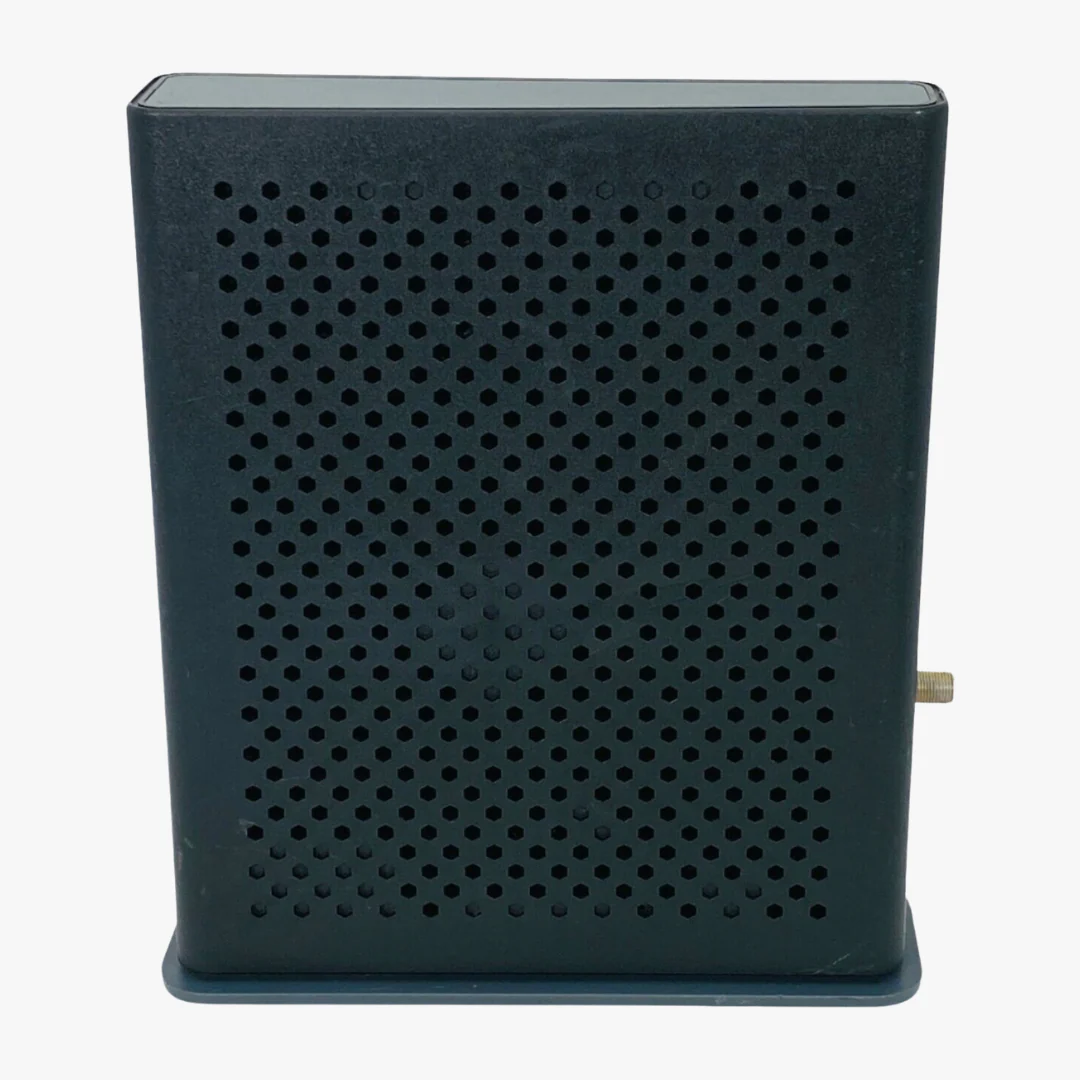
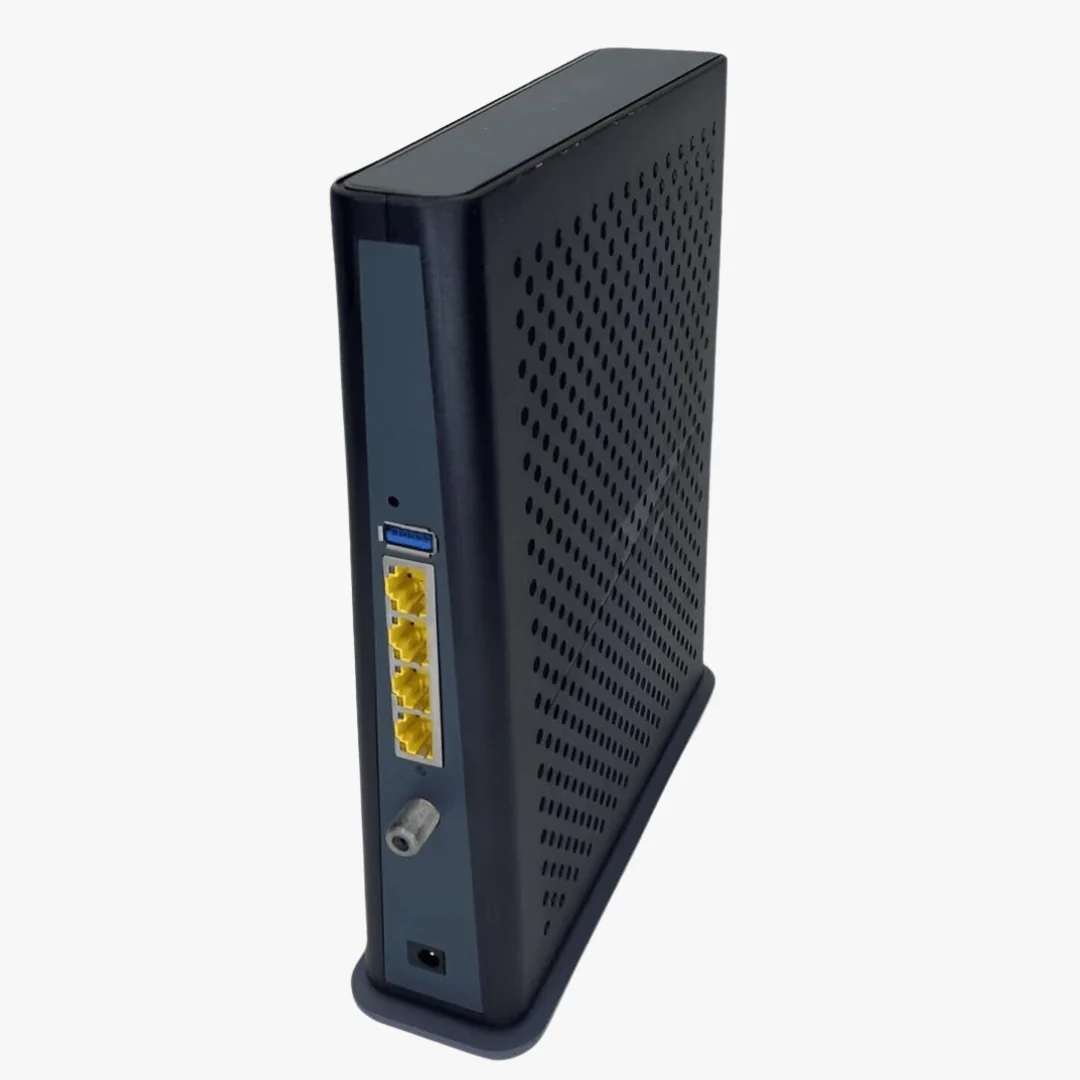
Description
ARRIS DG3450 DOCSIS 3.1 Cable Modem / Gateway – Key Features
The ARRIS Touchstone DG3450 is a DOCSIS 3.1 cable modem gateway designed for gigabit internet with reliable Wi-Fi for busy homes and small offices. It’s backward-compatible with DOCSIS 3.0 and supports advanced features like MoCA 2.0 for whole-home coax networking.
- DOCSIS 3.1 (backward-compatible with 3.0) for higher capacity and lower latency
- Gigabit Ethernet LAN ports for wired performance (see specs)
- Dual-band Wi-Fi with 802.11ac Wave 2 for multiple devices/streams
- MoCA 2.0 ready for stable wired-over-coax backhaul (adapters sold separately)
- Advanced management: remote provisioning, TR-069, SNMP, configuration files
- Security: WPA2/WPA3 (where supported by firmware), firewall/NAT
Who Is the ARRIS DG3450 Best For?
Homes with many connected devices, 4K streaming, video calls, online classes, and light gaming looking for a single all-in-one gateway (modem + router) that’s easy to deploy and manage.
ISP Compatibility
The DG3450 is commonly approved on major cable providers like Xfinity, Cox, and Spectrum (availability varies by region/plan). Always confirm with your provider’s device list and ensure your service tier matches the device’s capabilities.
Technical Specifications
| DOCSIS | 3.1 (backward-compatible with 3.0) |
| Channel Support | DOCSIS 3.1 OFDM/OFDM-A + 3.0 SC-QAM (downstream/upstream) |
| Wi-Fi | Dual-band 2.4 GHz + 5 GHz, 802.11ac Wave 2 (backward-compatible) |
| Ports | Gigabit Ethernet LAN (see model/firmware), RF coax input, power |
| MoCA | MoCA 2.0 (separate adapters may be required for client devices) |
| Management | Web UI (local/remote as provisioned), TR-069, SNMP, TFTP |
| Security | WPA2/WPA3 (per firmware), SPI firewall, NAT |
| Dimensions | Approx. 9.3 × 2.9 × 8.0 in (varies by revision) |
What’s Included
- ARRIS DG3450 gateway Renewed
- Power adapter
- Ethernet cable
- Quick start / setup guide
Note: Coaxial cable and MoCA filters/splitters are typically provided by your ISP or sold separately. Contents may vary by distributor/batch.
Setup & Requirements
- Active cable internet service (DOCSIS-based; not compatible with DSL/Fiber ONTs without a separate service-provided modem)
- Coax connection at the install location
- Activation via ISP (self-activation portal or call)
Why Buy from ModemGuides?
- USA-Based, Small Business
- USA-Based Customer Service & Tech Support
- Curated, ISP-compatible devices with clear setup resources
- Fast shipping and responsive support
- Guides, tips, and compatibility help across the site
ARRIS DG3450 FAQs
Will the DG3450 work with my internet plan?
If your provider supports DOCSIS 3.1 or 3.0 and lists the DG3450 (or family) as approved, you’re good to go. Always match the gateway to your speed tier for best results.
Does the DG3450 replace my router?
Yes—this is a gateway (modem + Wi-Fi router). If you prefer your own mesh system, you can typically disable the built-in Wi-Fi and connect your mesh to a LAN port (bridge mode may be available per firmware/ISP).
Does it support MoCA?
Yes, MoCA 2.0 is supported. You’ll usually add MoCA adapters at devices/rooms you want to hard-wire over coax.