HomeStore

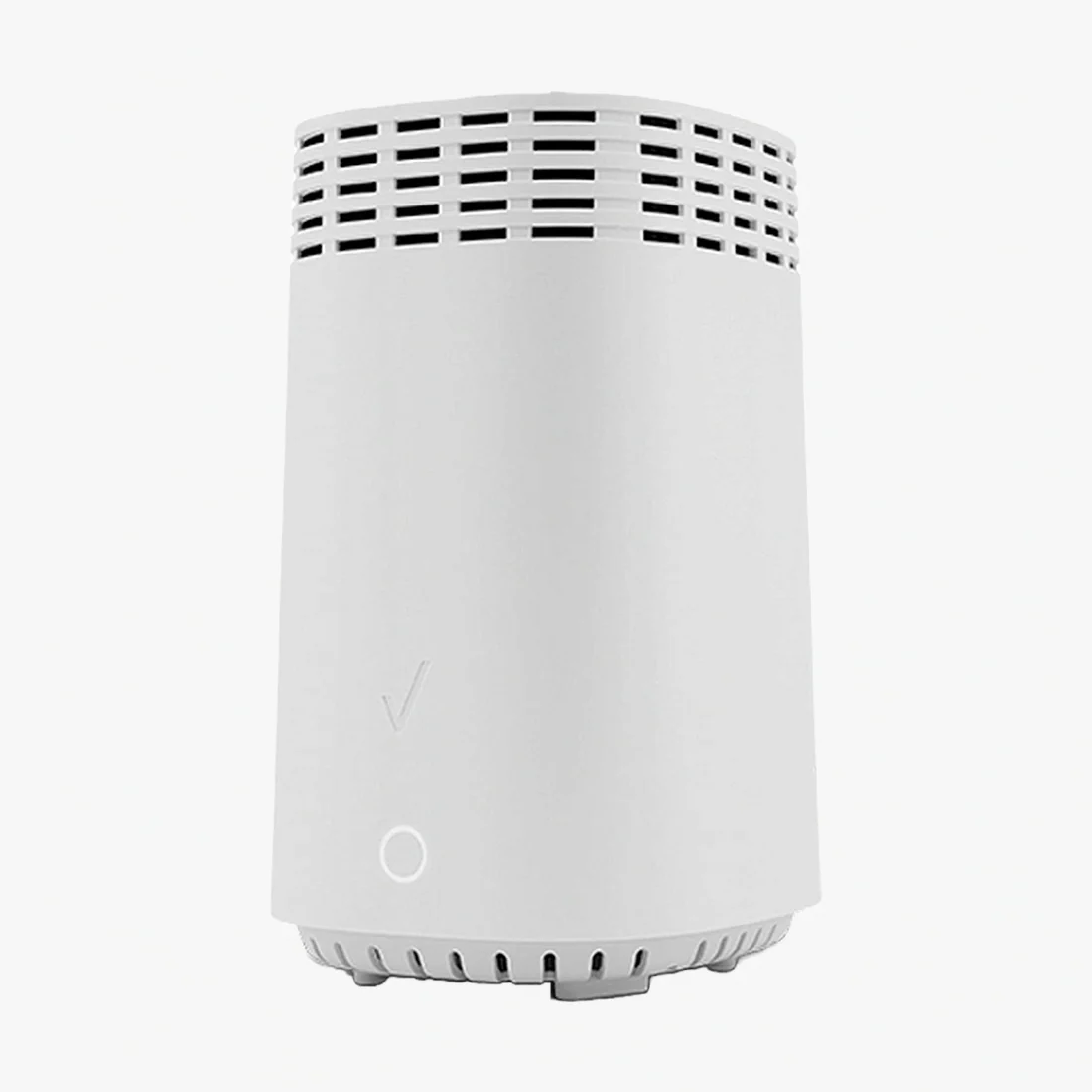
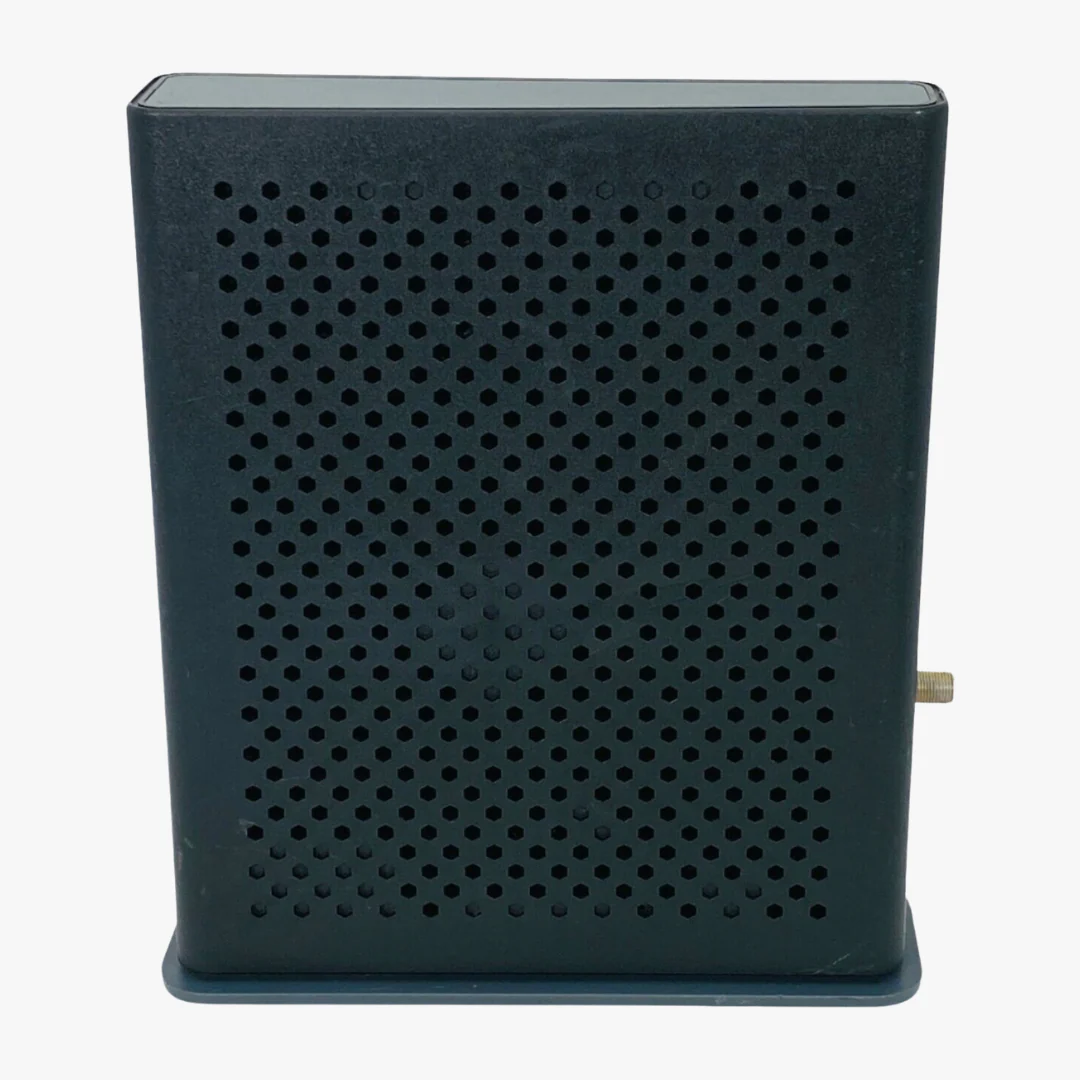
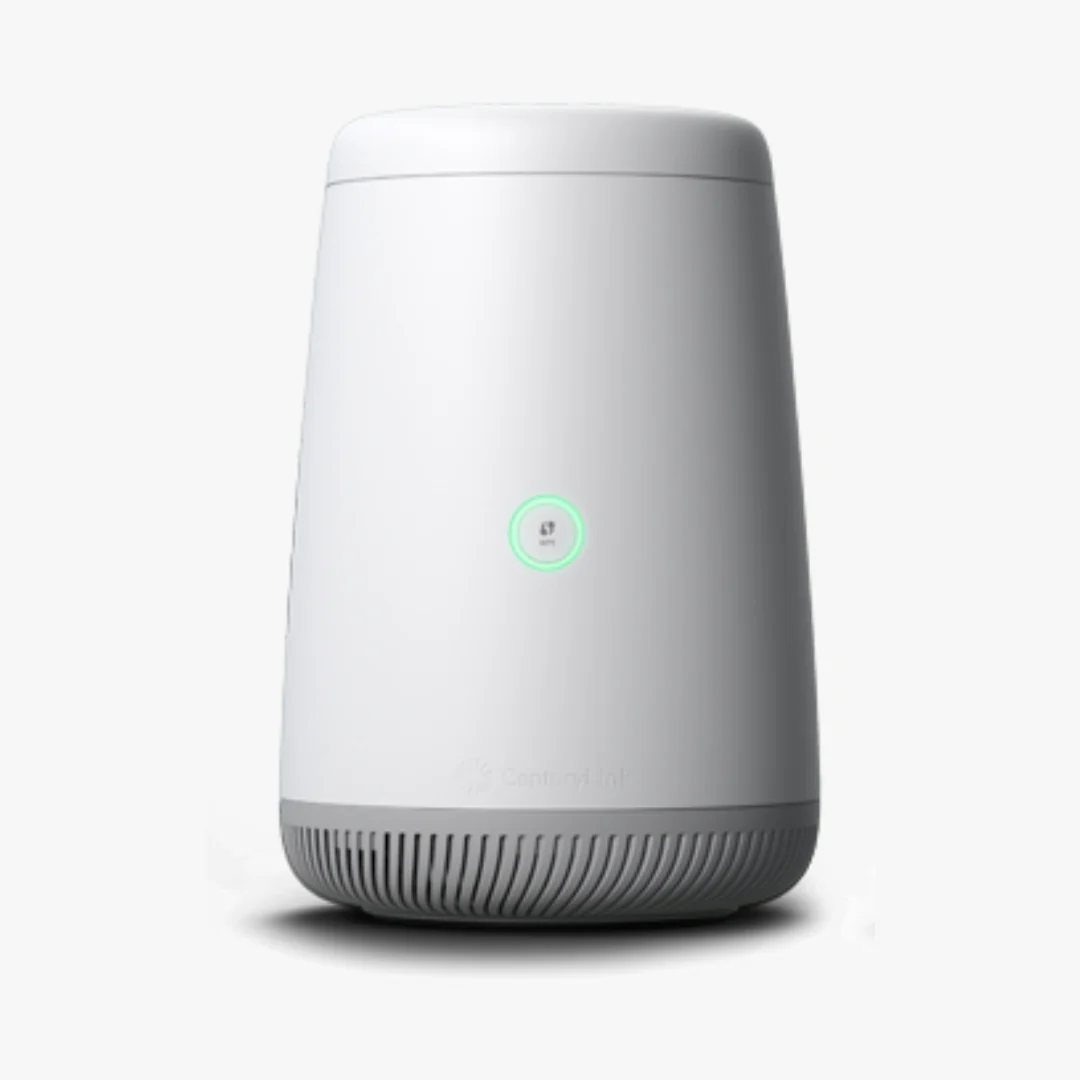
CenturyLink Greenwave C4000XG High-Speed DSL Modem with Wi-Fi 6

CenturyLink Greenwave C4000XG High-Speed DSL Modem with Wi-Fi 6

Ultra-Fast Connectivity for Gaming, Streaming, and Smart Homes

Upgrade your home network with the CenturyLink C4000XG, a high-performance DSL and Fiber-compatible modem designed for the modern digital era. Powered by Wi-Fi 6 (802.11ax) technology, this gateway delivers 4x more capacity and significantly faster speeds than previous generations. Whether you are 4K streaming, competitive gaming, or managing a house full of smart devices, the C4000XG provides a lag-free, rock-solid connection.

Bulk Discount
Buy 10, Get 10% Off
Automatically applied at checkout — no code required.
Browse Sale

Key Features & Performance

  • Next-Gen Wi-Fi 6 Technology: Experience gigabit-level speeds and reduced latency, even when dozens of devices are connected simultaneously.

  • Intelligent Smart Connect: Automatically directs your devices to the optimal frequency (2.4 GHz or 5 GHz) to maximize bandwidth and prevent network congestion.

  • Mesh-Ready Coverage: Eliminate dead zones by pairing with compatible mesh extenders for seamless, whole-home Wi-Fi coverage.

  • Advanced WPA3 Security: Protect your sensitive data with the latest encryption standards, keeping your personal information safe from cyber threats.


Technical Specifications & Compatibility

The GreenWave C4000XG is engineered for versatility and power. Its sleek, antenna-less design houses a dual-core processor capable of handling high-bandwidth activities with ease.

Feature Specification
Wi-Fi Standard Wi-Fi 6 (802.11ax / AC / N)
Bands Dual-Band (2.4 GHz & 5 GHz)
Security WPA3, WPA2, Firewall Protection
Ports 1x WAN/LAN, 4x LAN, 1x DSL
Compatibility CenturyLink Fiber & Select DSL Plans

Note: This modem is primarily used for CenturyLink service. Please verify with your ISP that the C4000XG is compatible with your specific service plan and local infrastructure before purchasing.


Frequently Asked Questions (FAQ)

Q: What speeds can the CenturyLink C4000XG support? A: While it is a gigabit-capable modem optimized by Wi-Fi 6, your actual speeds depend on your CenturyLink service plan. It is ideal for high-speed fiber and advanced DSL tiers.

Q: How do I set up the C4000XG modem? A: Setup is intuitive. Connect the modem to your power source and DSL/ONT line. Access the web-based management interface via the default IP address (found on the sticker) to configure your Wi-Fi name and password.

Q: Does it support Guest Networks and Parental Controls? A: Yes. Through the management console, you can easily set up a separate guest network to keep your primary network secure and use parental controls to manage screen time for specific devices.


What’s in the Box?

  • (1) CenturyLink C4000XG DSL/Fiber Modem

  • (1) Power Supply Adapter

  • (1) Ethernet Cable

  • (1) DSL / VoIP Cable

Stop paying monthly rental fees. Own your hardware and take control of your internet performance with the C4000XG.


$88.49
CenturyLink Greenwave C4000XG High-Speed DSL Modem with Wi-Fi 6
$88.49
Product image 1
Product image 2
Product image 3

Description

Ultra-Fast Connectivity for Gaming, Streaming, and Smart Homes

Upgrade your home network with the CenturyLink C4000XG, a high-performance DSL and Fiber-compatible modem designed for the modern digital era. Powered by Wi-Fi 6 (802.11ax) technology, this gateway delivers 4x more capacity and significantly faster speeds than previous generations. Whether you are 4K streaming, competitive gaming, or managing a house full of smart devices, the C4000XG provides a lag-free, rock-solid connection.
Bulk Discount
Buy 10, Get 10% Off
Automatically applied at checkout — no code required.
Browse Sale

Key Features & Performance

  • Next-Gen Wi-Fi 6 Technology: Experience gigabit-level speeds and reduced latency, even when dozens of devices are connected simultaneously.

  • Intelligent Smart Connect: Automatically directs your devices to the optimal frequency (2.4 GHz or 5 GHz) to maximize bandwidth and prevent network congestion.

  • Mesh-Ready Coverage: Eliminate dead zones by pairing with compatible mesh extenders for seamless, whole-home Wi-Fi coverage.

  • Advanced WPA3 Security: Protect your sensitive data with the latest encryption standards, keeping your personal information safe from cyber threats.


Technical Specifications & Compatibility

The GreenWave C4000XG is engineered for versatility and power. Its sleek, antenna-less design houses a dual-core processor capable of handling high-bandwidth activities with ease.

Feature Specification
Wi-Fi Standard Wi-Fi 6 (802.11ax / AC / N)
Bands Dual-Band (2.4 GHz & 5 GHz)
Security WPA3, WPA2, Firewall Protection
Ports 1x WAN/LAN, 4x LAN, 1x DSL
Compatibility CenturyLink Fiber & Select DSL Plans

Note: This modem is primarily used for CenturyLink service. Please verify with your ISP that the C4000XG is compatible with your specific service plan and local infrastructure before purchasing.


Frequently Asked Questions (FAQ)

Q: What speeds can the CenturyLink C4000XG support? A: While it is a gigabit-capable modem optimized by Wi-Fi 6, your actual speeds depend on your CenturyLink service plan. It is ideal for high-speed fiber and advanced DSL tiers.

Q: How do I set up the C4000XG modem? A: Setup is intuitive. Connect the modem to your power source and DSL/ONT line. Access the web-based management interface via the default IP address (found on the sticker) to configure your Wi-Fi name and password.

Q: Does it support Guest Networks and Parental Controls? A: Yes. Through the management console, you can easily set up a separate guest network to keep your primary network secure and use parental controls to manage screen time for specific devices.


What’s in the Box?

  • (1) CenturyLink C4000XG DSL/Fiber Modem

  • (1) Power Supply Adapter

  • (1) Ethernet Cable

  • (1) DSL / VoIP Cable

Stop paying monthly rental fees. Own your hardware and take control of your internet performance with the C4000XG.


CenturyLink Greenwave C4000XG High-Speed DSL Modem with Wi-Fi 6 | ModemGuides